EH&S, 15 minutes, self-paced
Emergency Action Plan
Understand and follow your organization's emergency action plan
Free
Part of the compliance library: free for every employee at any company size.
With completion tracking and no card required.

What you will learn
- Identify the elements OSHA requires an Emergency Action Plan to include, including the written plan, reporting and evacuation procedures, and the employee alarm system
- Describe the emergency roles the plan assigns, including evacuation warden, first responder, fire prevention team and shutting down critical processes
- Identify when employees must be trained on the EAP, including at hire, when the plan changes, and when their responsibilities change
- Describe the consequences of not following the EAP, such as employees becoming trapped, injured, or unable to find emergency supplies
Also in EH&S
Related courses.

15 minutes
Identify and mitigate ergonomic hazards in the workplace
15 minutes
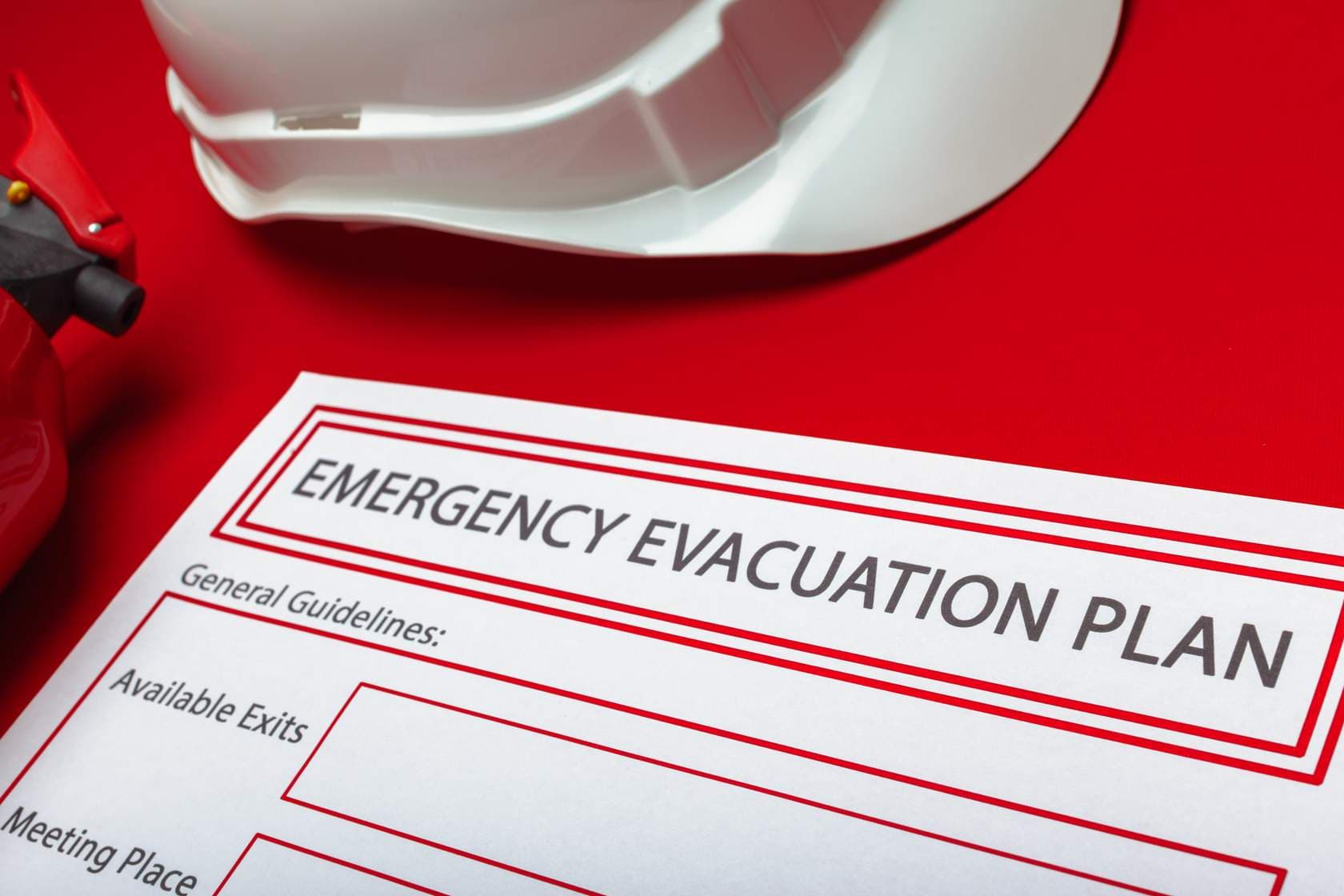
Know your evacuation routes and procedures
30 minutes
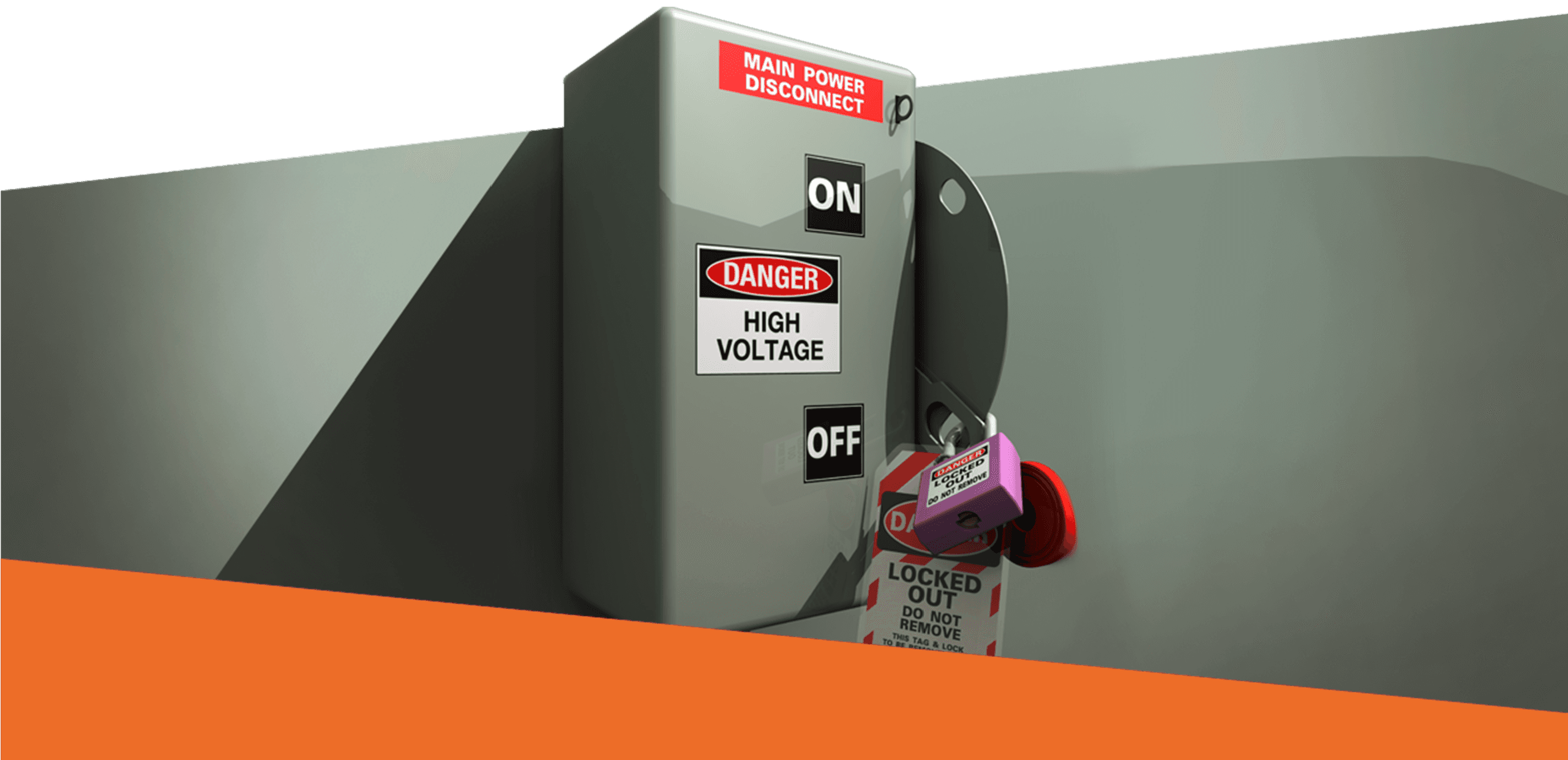
Lockout Tagout (LOTO) Authorized
Prerequisite: complete Lockout Tagout for Affected Employees first; this course builds on it and refers back to it throughout. Explains what an authorized employee does under a lockout tagout program: how authorized personnel differ from affected personnel, the basic steps for isolating hazardous energy, the locks, tags and isolating devices involved, and how group lockouts and shift changes are handled. It gives you an understanding of the role rather than qualifying you for it, since authorization still requires training on your own employer's energy control program and an annual periodic inspection.
Related pages
Talk to ARIA
Ask what you would ask us.
ARIA works the way a good first call works. She asks who is involved and what should change, recommends the closest starting point, quotes the real price, and hands you to a person when you want one.
Start with one of these
Prefer a person? Say so in the conversation and the team follows up, or use the contact page.